Product · Calendar
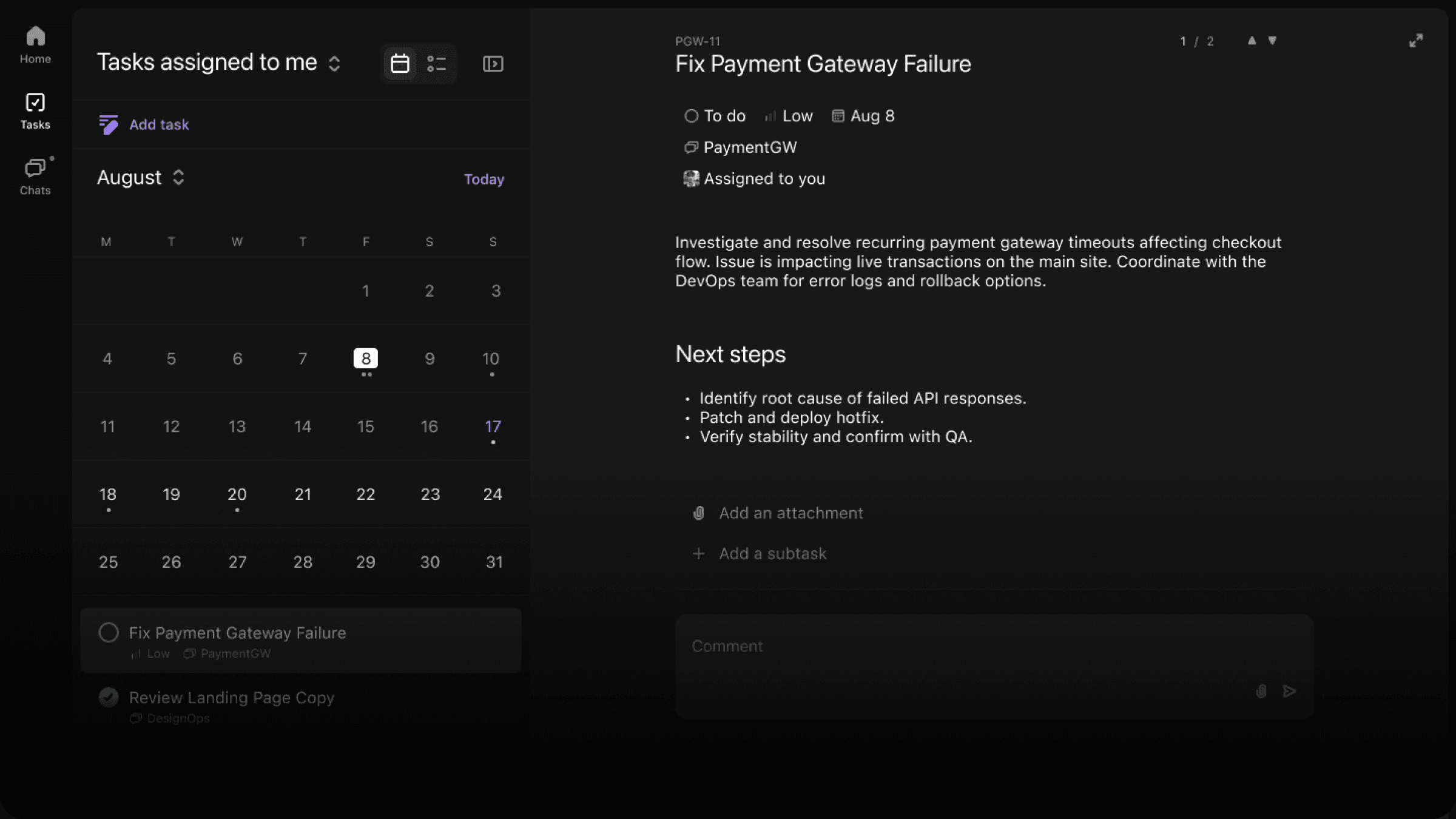
Dates stay tied to the work.
Meetings, deadlines, and follow-ups stay connected to the tasks and conversations that created them.
Included in the free crew app
In the box
Everything dates need to stay useful.
What it changes
Deadlines with context
Due dates stay linked to the work and discussion they came from.
Meeting follow-through
Use the calendar to keep handoffs and next steps visible after meetings end.
Shared team timing
Help the team see what is due, what is scheduled, and what needs attention.
The loop
How it fits the rest of the job.
Every part of Convoe feeds the same loop — conversation, owner, date, follow-through — instead of sending people to another disconnected tool.
- 1
Capture the date.
Deadlines and meetings can be recorded where the work is discussed.
- 2
Keep it connected.
Calendar items stay tied to the task or conversation behind them.
- 3
Return to the work.
The team can move from time back to context without switching products.
Keep going
Start with one conversation.
The app is free for the whole crew — calendar included.