Source-linked project photos
Stop project photos becoming an unlabelled camera roll
Capture the reason, location and resulting work while the person taking the photo still has the context.
What goes wrong without a record
The conversation moves faster than the administration.
A photo alone rarely explains what was requested, where it occurred, who owns the next step or whether the issue was resolved.
- File names carry no project meaning
- The location is remembered but not recorded
- Before and after photos are separated
- The office cannot see what action the photo created
Site instruction
Photo record · Level 3 exhaust shaft
- Owner
- Site carpenter
- Due
- Thursday
- Project
- Hawthorn Fitout
- Evidence
- 2 source-linked photos
How Convoe handles it
From source conversation to reviewable work.
Capture
A field photo is shared in the relevant project conversation.
Context
Location, description and related work are confirmed.
Track
The image remains attached to the instruction, defect, RFI or action.
Compare
Completion evidence can be reviewed alongside the original image.
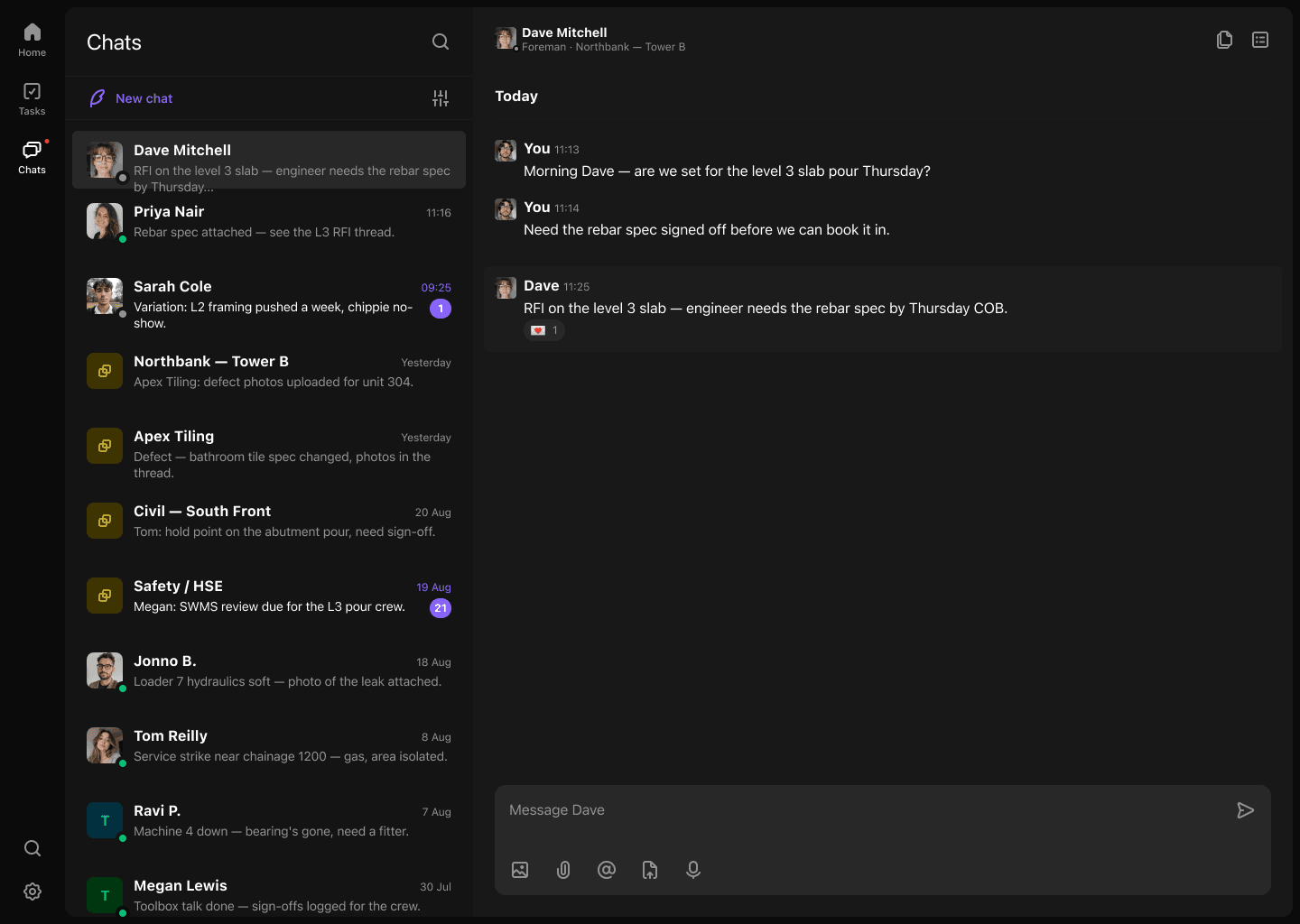
Product proof
The current record stays connected to its source.
- 01Every photo has operational context
- 02Location and owner remain visible
- 03Before-and-after evidence stays together
- 04Reports can link to the underlying record
Common questions
What the workflow does—and what still needs a person.
Can a photo be linked to more than one record?+
Teams should link evidence to the relevant work records in accordance with their project process.
Does Convoe verify what the photo proves?+
No. A person must interpret and verify the photo in its project context.
Can completion evidence be attached?+
Yes. A completion photo can be kept with the original source and tracked outcome.
Related construction workflows
One site is enough to start
Start with one project. See what your team stops losing.
The crew can keep working in conversation while owners, dates and source context become visible.