Free construction template
Site instruction template
Record the direction, source, owner, timing and outcome while the project context is still available.
No account or email required.
Who owns it
The person authorised by your project procedure to issue or administer site instructions.
When to create it
Create the record when the direction is given or as soon as practical afterwards, subject to the contract and project process.
Field-by-field guide
What to record and why.
| Field | Why it matters | Completed example |
|---|---|---|
| Record ID | A unique reference for the instruction. | SI-024 |
| Project and location | The project, level, zone or work area affected. | Hawthorn Fitout - Level 3 shaft |
| Date, time and source | When and how the instruction was communicated. | 14 July 2026, 9:14 am - project chat |
| Issued by and recipient | Who gave and received the direction. | Site manager - carpentry subcontractor |
| Instruction | Plain wording of the requested work. | Move exhaust shaft wall 150 mm to clear joinery. |
| Owner and due date | The person responsible for follow-up and the required date. | Site carpenter - Thursday |
| Evidence | Relevant photos, drawings, messages or files. | Source photo and marked-up plan |
| Status and outcome | Open, complete, superseded or another project status. | Complete - completion photo attached |
Common mistakes
- Recording the direction without its source
- Leaving ownership implied
- Treating completion as contractual approval
- Failing to follow the contract notice process
From template to workflow
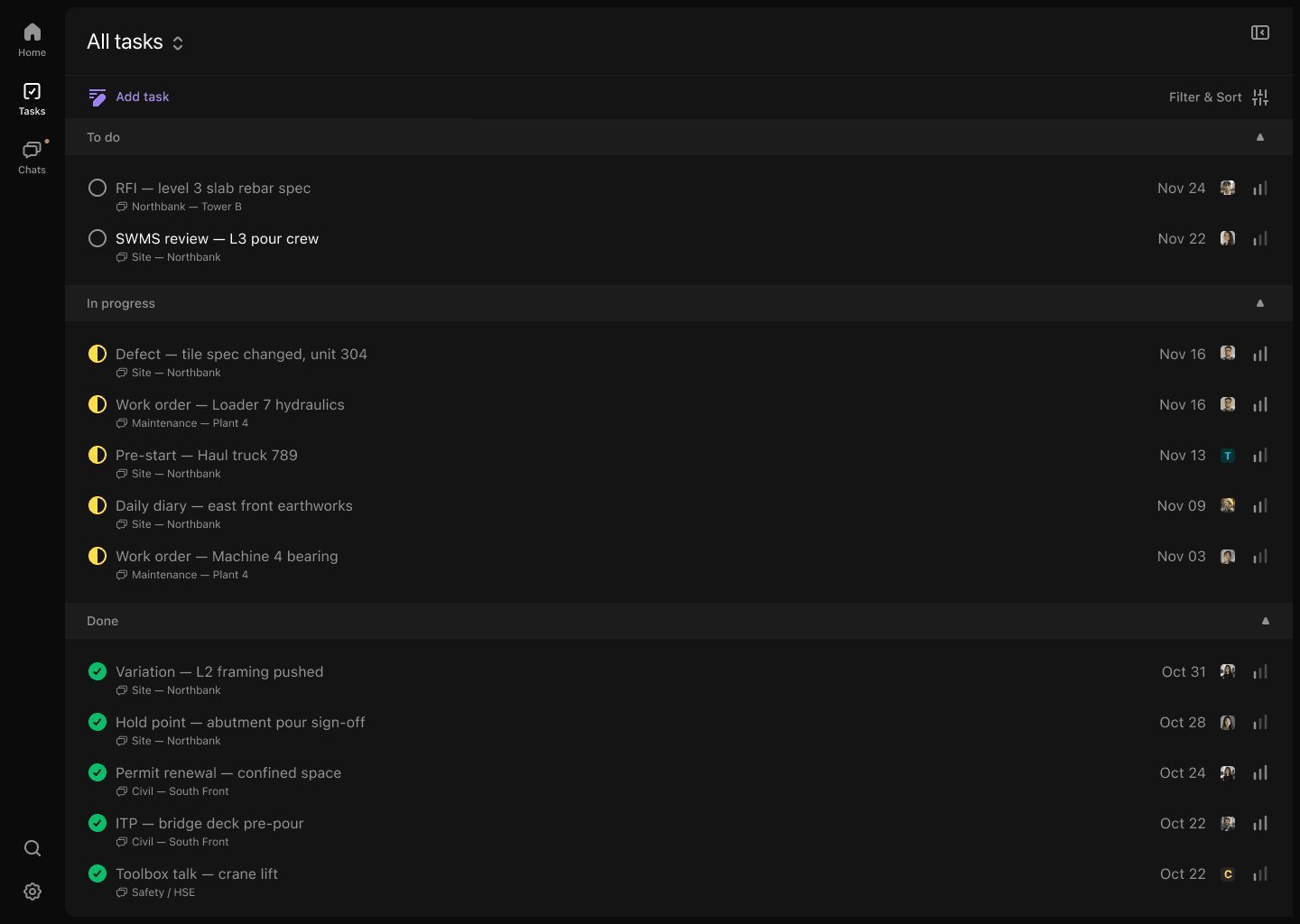
The downloadable file helps you create a consistent manual record. Convoe connects the same fields to the source conversation, owner, evidence and status while work is happening.
See how Convoe handles this workflowOne site is enough to start
Start with one project. See what your team stops losing.
The crew can keep working in conversation while owners, dates and source context become visible.