Construction daily reporting
Turn the day’s project activity into a reviewable daily report
Organise what happened, what remains open and what needs attention without copying the same details across chat, notes and a report template.
What goes wrong without a record
The conversation moves faster than the administration.
Daily reporting becomes unreliable when the report lives separately from the conversation and evidence that produced it.
- Repeated copy-and-paste between tools
- Open actions omitted from the report
- Photo captions written long after capture
- Office and field versions do not match
Site instruction
Daily report · 14 July 2026
- Owner
- Site carpenter
- Due
- Thursday
- Project
- Hawthorn Fitout
- Evidence
- 2 source-linked photos
How Convoe handles it
From source conversation to reviewable work.
Gather
Relevant records are grouped by project, date and work area.
Organise
Progress, constraints, visitors, deliveries and open actions are separated.
Review
A responsible person checks the content and supporting sources.
Share
The reviewed report is available for the project team and handover.
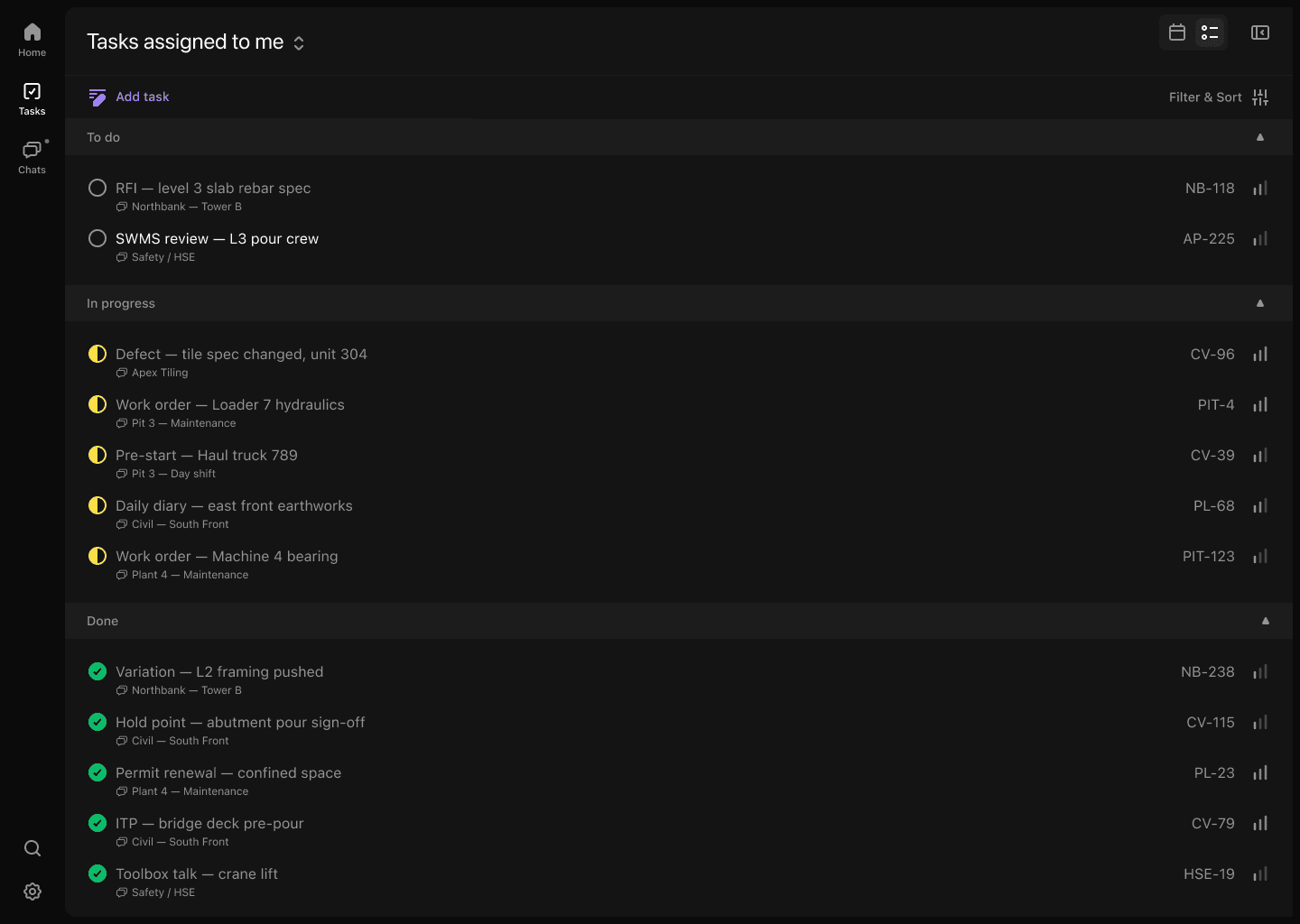
Product proof
The current record stays connected to its source.
- 01One daily view of progress and constraints
- 02Evidence remains connected to reported work
- 03Open issues carry forward
- 04Less duplicate administration
Common questions
What the workflow does—and what still needs a person.
Is a daily report the same as a site diary?+
They overlap, but report requirements vary by project. Convoe can organise source-linked information for the format your team uses.
Can unresolved work carry into tomorrow?+
Open actions can remain visible so they are not lost when the date changes.
Who should approve the report?+
Your business should nominate the person responsible under its project and contract procedures.
Related construction workflows
One site is enough to start
Start with one project. See what your team stops losing.
The crew can keep working in conversation while owners, dates and source context become visible.