Voice notes to tracked work
Keep the speed of a voice note without losing the follow-up
Use the spoken update as the source, then confirm any suggested owner, date and resulting work before it enters the project record.
What goes wrong without a record
The conversation moves faster than the administration.
Voice notes are fast in the field but hard to scan, assign and revisit when the project needs a clear action or record.
- Actions are buried inside several minutes of audio
- The listener cannot see a due date at a glance
- A summary loses the original wording
- Follow-up depends on whoever listened first
Site instruction
Voice update · eastern loading zone
- Owner
- Site carpenter
- Due
- Thursday
- Project
- Hawthorn Fitout
- Evidence
- 2 source-linked photos
How Convoe handles it
From source conversation to reviewable work.
Record
A field update is shared as a voice note in project conversation.
Suggest
Convoe identifies possible actions and supporting context.
Confirm
A person checks the suggestion, owner and date.
Retain
The confirmed work stays connected to the original voice note.
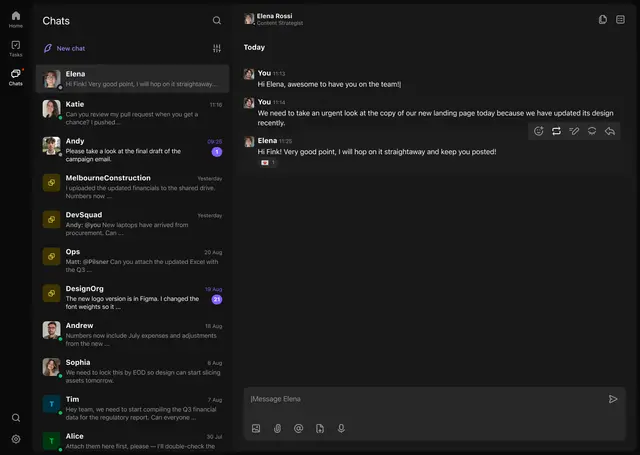
Product proof
The current record stays connected to its source.
- 01Spoken updates become easier to scan
- 02Original audio remains available
- 03Actions require human confirmation
- 04Owners and dates become visible
Common questions
What the workflow does—and what still needs a person.
Is every voice note turned into a task?+
No. The system can suggest actions; a user should decide what becomes tracked work.
Does the original voice note remain available?+
The source-linked workflow is intended to retain the original message or voice note with the confirmed record.
Can the transcription be corrected?+
Suggested wording should be reviewed and corrected before it is relied on.
Related construction workflows
One site is enough to start
Start with one project. See what your team stops losing.
The crew can keep working in conversation while owners, dates and source context become visible.